www.officehelp.biz
| www.officehelp.biz |
Office Tutorials & Software Solutions |
| Specializing in Advanced Spreadsheet & Office Macro Solutions. |
|
| Calendar Templates 2007 with Holidays for Excel |
| Application | Microsoft Excel | Version | 1.00 |
| Author | OfficeHelp | ||
| Tested on versions: | 2000 (9.0), XP (10.0), 2003 (11.0), 2007 (12.0), 2010 (14.0), 2013, 2016 - should work on any version from Office 97 | ||
| The easiest way to create Excel calendars! Check the samples, copy the pre-formatted Excel calendar sheets and insert YOUR own events! Select from 5 different types of calendar: Yearly, Monthly and Weekly Calendar templates (2 each) for 2007 in Excel. Include USA Holidays. No code, macros, formulas or other complicated stuff! Just fill in YOUR details. |
|
Click here for the 2010 Version Create good looking 2007 calendars as easy as filling in cell colors and letters into pre-formatted Excel cells. No special skills required, just regular Excel use. No formulas or other complicated stuff! USA Holidays are pre-inserted. No setup or security implications. This is a plain Excel file. Just open it and fill in YOUR Calendar data and details. Can the Calendars be customized? Yes. It can be manually changed as any other regular Microsoft® Excel file. There are no special features to the Calendar file, it is a regular Excel file with painted cells. You can save it, make copies or customize at will. Click here for the 2010 Version Download the FREE demo in PDF by clicking on the picture:
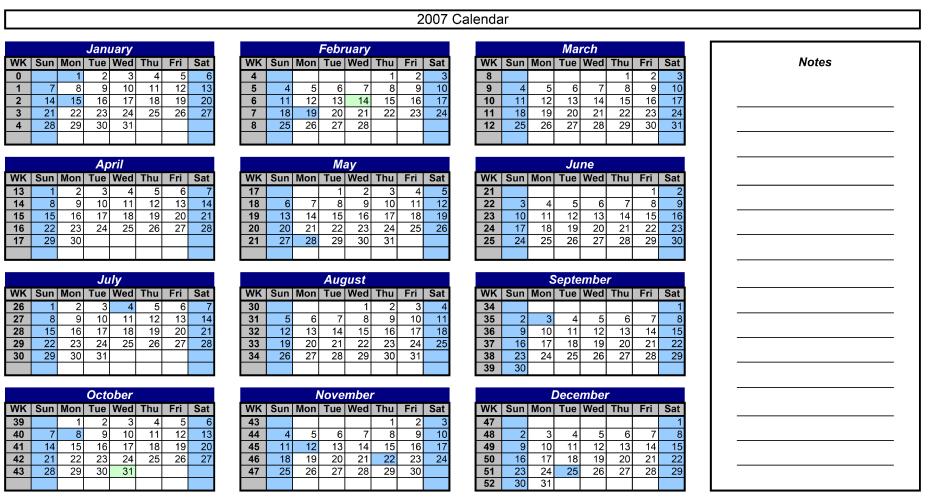
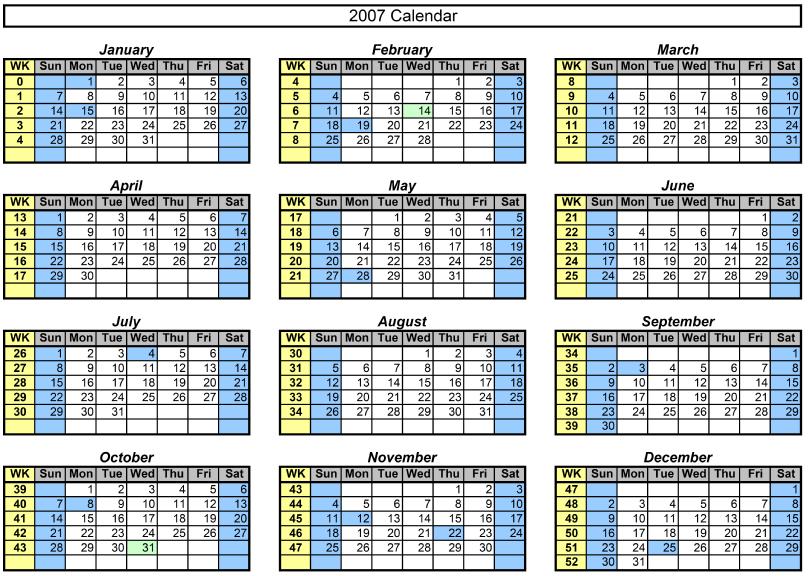
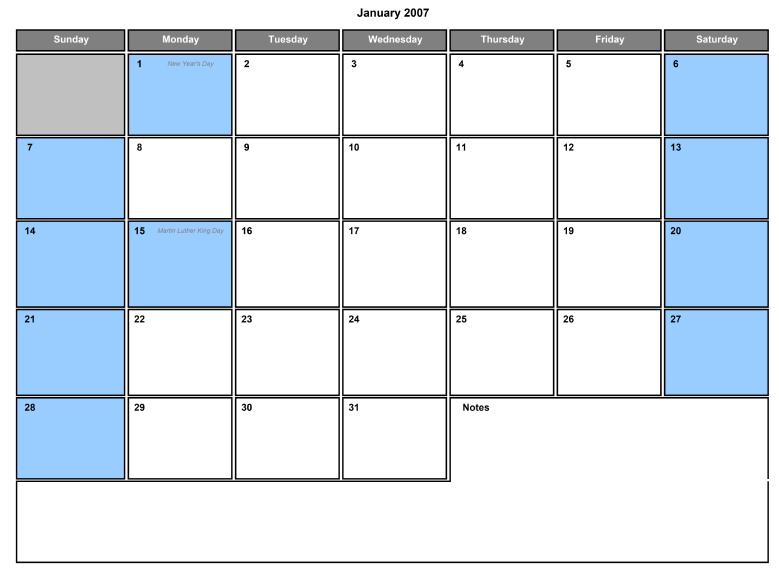
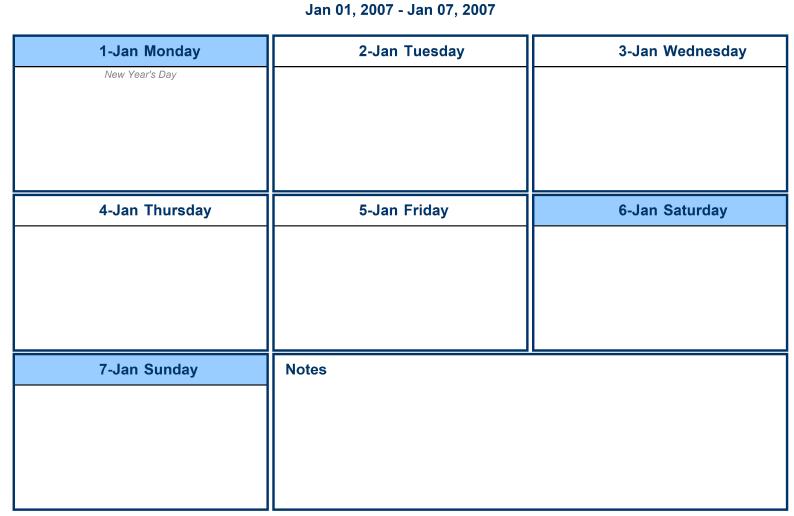
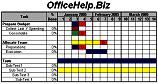
Two different Styles of calendar templates are available. USA Holidays are pre-inserted:
PIC. 1 - Template Demos (Click to Enlarge) Test the FREE DEMO Download the FREE demo in PDF by clicking on the picture:
The DEMO is a PDF files with 1 sample page for each calendar type. You will need the free Adobe Acrobat Reader to open the included samples. PDF is nowadays the standard for publishing documents on the internet, and the is completely safe to install. There are versions for most common Operations Systems, like Microsoft® Windows, Apple® Mac and Linux. Click here for the 2010 Version What do I get after purchase? After payment at PayPal, you will get to a page with a link to download a ZIP file containing 1 XLS Microsoft® Excel file with 5 individual sheets (one for each calendar type). Save it to your local disk. After saving, just open and use it like any other regular Excel file (remember to save the original to reuse later)! Spending full days manually making calendars? Spending hundreds on specialized software you don't know how to use? With this easy to use Microsoft® Excel file YOU will generate pretty 2007 calendars in minutes. No need to learn new software skills. Get your Calendar Template now by using one of the BUY NOW buttons on this page.
Click here for the 2012 Version How can I stay informed on Calendar products from OfficeHelp.Biz? There are plans for more Calendar related products. The best way to stay informed about them (and all our range of products) is to subscribe our Email Newsletter. You will be informed when contents updates are made and automatically granted participation on any future promotion. |
(c) 2004 - 2025 OfficeHelp.Biz